Bridging the Gap: Native Hardware Bridging

Cloud orchestration has always been about the virtual, but the real world is physical. Whether it is a Zigbee stick for your smart home, a serial controller for industrial automation, or a GPU for AI acceleration, connecting your software to actual hardware has traditionally been a nightmare of privileged modes and manual configurations.
The Problem with Privileged Mode
For years, developers have been forced to choose between security and functionality. If you wanted your application to read from a USB sensor, you often had to run the entire container in privileged mode. This was like giving a house key to a stranger just so they could check the thermostat. It was messy, it was dangerous, and it broke the "Zero-Config" promise that ODAC was built upon.
Introducing Hardware Bridging
ODAC v1.8.0 changes the game. We are introducing native Hardware Bridging, a feature that allows you to map specific host devices directly into your application containers with surgical precision. No more broad permissions. No more manual Docker overrides. Just a clean, secure link between your hardware and your code.
How it Works: The User Experience
The process is designed to be as frictionless as the rest of the ODAC experience. You start by connecting your hardware to your ODAC-managed server. Once the server recognizes the device, you simply tell ODAC which application needs access.
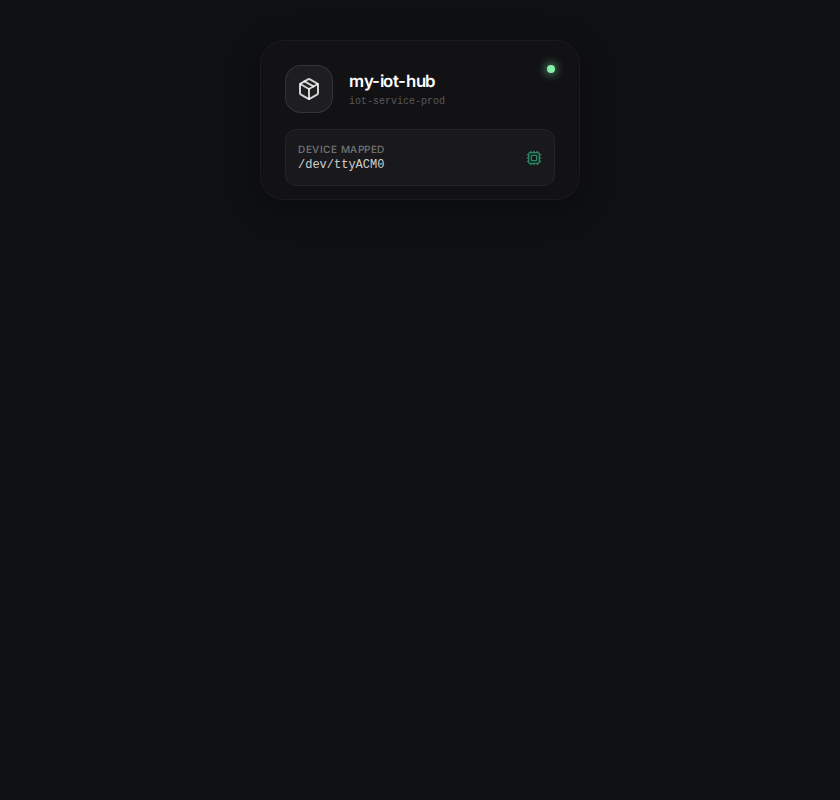
Using the ODAC CLI, you can add a device mapping in seconds. For example, if you are running a home automation hub and need access to a USB controller, the command is straightforward:
odac app device add --app my-iot-hub --device /dev/ttyACM0
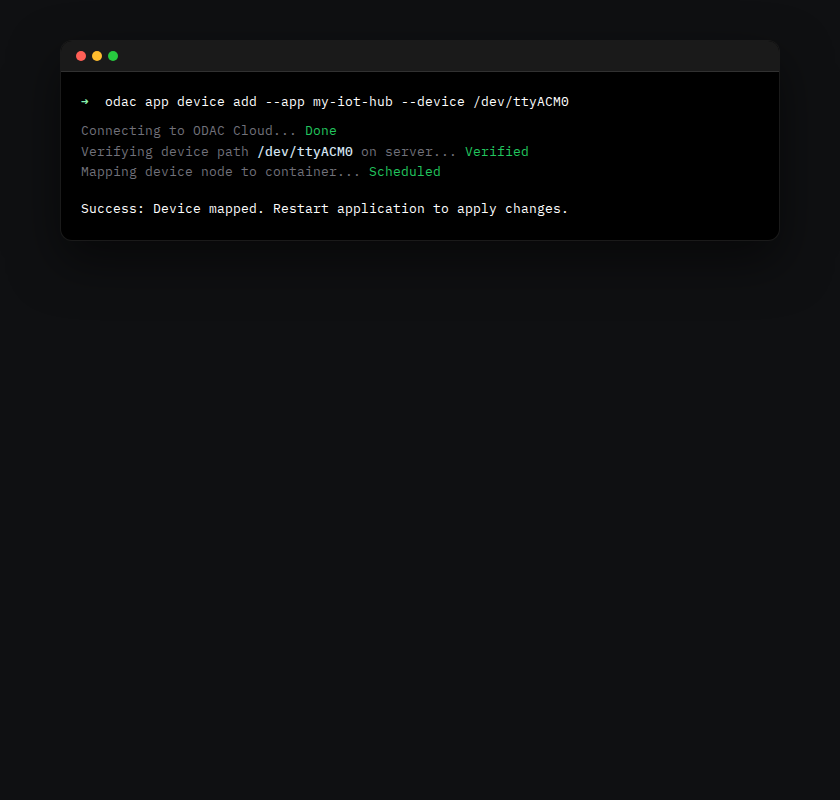
This command tells ODAC to prepare the mapping for your next deployment cycle. It is precise, version-controlled, and completely managed by the platform.
The Final Step: The Power of the Restart
Because ODAC prioritizes stability and clean state, hardware mappings are applied during the application startup sequence. After adding your device via the CLI, head over to the Live Canvas on the Dashboard at app.odac.run.
Find your application on the visual map, open the inspector panel, and hit the restart button.
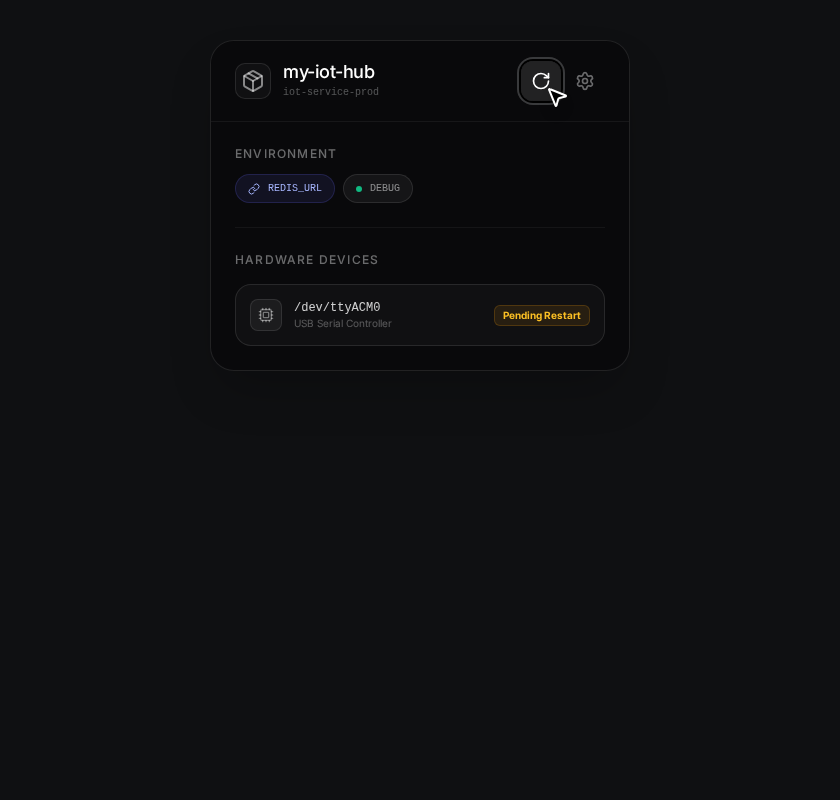
As your application boots up, ODAC transparently provisions the necessary device nodes inside the container. Your application sees the hardware at the exact same path as the host, allowing for seamless integration with existing libraries and drivers.
Beyond Simple Sensors
While IoT is the obvious use case, Hardware Bridging opens the door for much more. Map specialized serial controllers for robotics, legacy hardware keys for enterprise software, or even high-performance devices for localized processing. By removing the configuration friction, we are letting you focus on what actually matters: the logic of your application.
Why This Matters
We believe that your cloud platform should not be a cage. It should be a bridge to the physical world. With Hardware Bridging in ODAC v1.8.0, we are proving that enterprise-grade orchestration and native hardware access can coexist in a single, zero-config workflow.
Your servers are now more than just compute nodes. They are the gateway to your entire hardware ecosystem. Welcome to the future of the physical cloud.