DNS Management, Redefined for the Visual Cloud
DNS has always been the internet's brittle backbone: essential, yet notoriously painful to manage. For years, developers have been forced to juggle between third-party registrars, clunky legacy control panels, and the manual risk of server-side zone file modifications. One wrong character in a CNAME record, and your production environment vanishes into the digital void.
At ODAC, we believe infrastructure should be as fluid as the code that runs on it. That is why we have brought DNS management directly into the heart of the ODAC Cloud. No more context switching. No more "waiting for sync." Just pure, visual orchestration.
Visual Orchestration on the Live Canvas
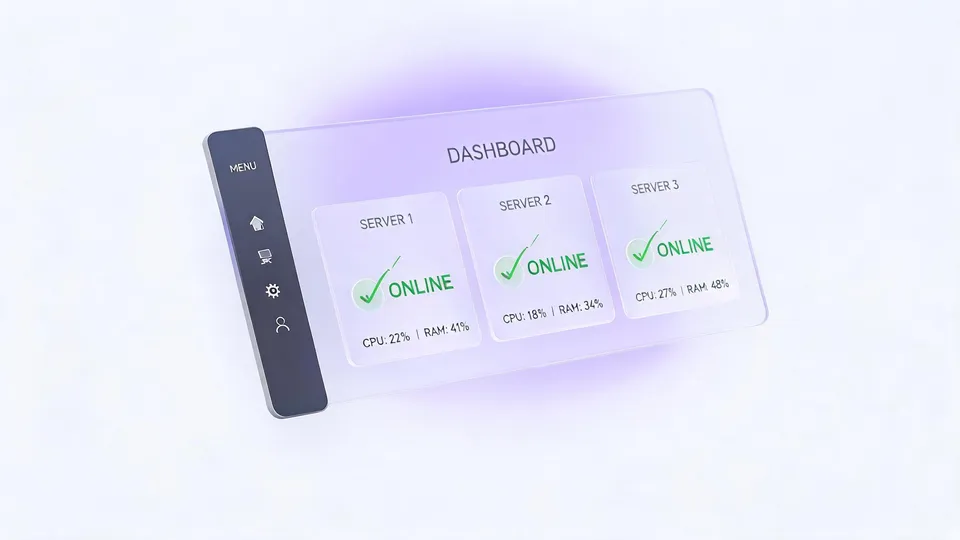
The Live Canvas is the command center of your ODAC experience, and it is now the home for your DNS infrastructure. Managing your records is no longer about editing lines of text; it is about interacting with your resources in real-time.
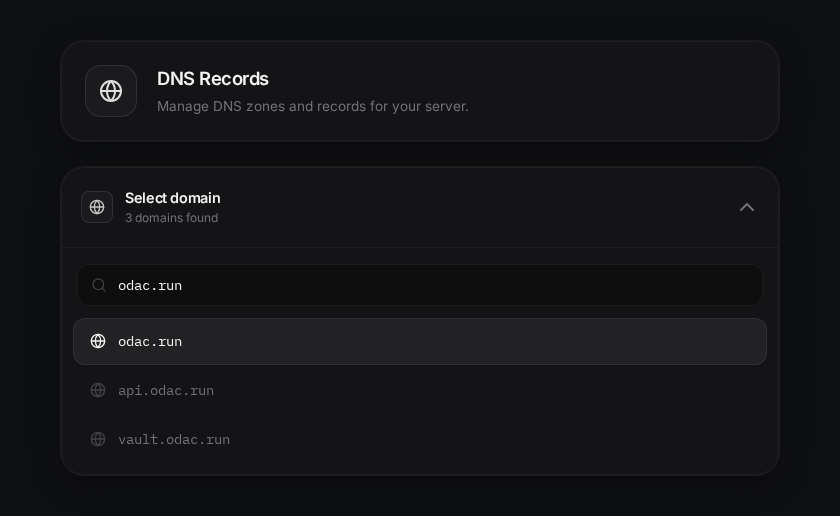
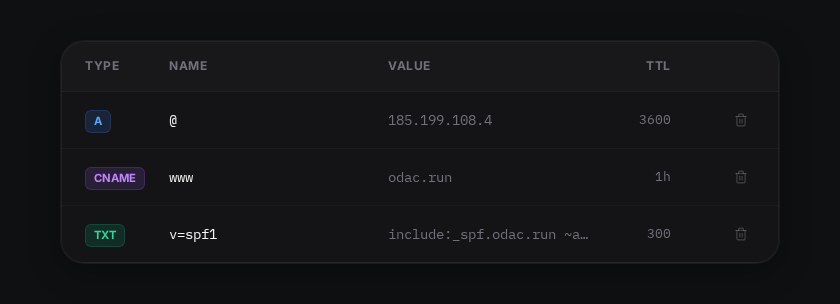
When you connect a domain to your ODAC account, it appears natively on your dashboard. You can view, add, or modify records with a few clicks, and the changes are immediately reflected across your infrastructure.
Instant Sync: The End of Configuration Drift
The real magic happens behind the scenes, or at least, as close to the scenes as you can get. In reality, what you see on the Dashboard is exactly what exists on your server. When you update a record at app.odac.run, ODAC ensures that your core DNS environment is updated instantly.
We have eliminated the "hand-off" problem. There is no manual reloading of services or waiting for an agent to check in. The synchronization is native, ensuring that your domain routing and dynamic IP resolution are always in lockstep with your deployment.
A Workflow for Every Developer
While the Dashboard provides a premium, visual-first experience, we know that many of you live in the terminal. That is why we have exposed the same powerful DNS capabilities through the ODAC CLI.
Whether you are automating a migration or just prefer the speed of a keyboard, you can manage your records with simple, intuitive commands:
# List all DNS zones
odac dns list

# Manage your records with speed
# (Cloud-first management recommended at app.odac.run)
How to Get Started
Managing your DNS with ODAC is designed to be a "zero-config" experience. Here is how you can set up your first record in seconds:
- Navigate to the Dashboard: Log into app.odac.run and open the Live Canvas for your connected server.
- Select Your Domain: Open the Domain and DNS settings from the inspector panel.
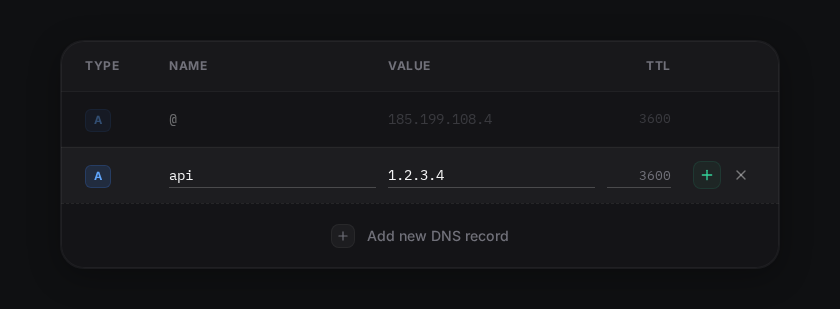
- Add Your Record: Click "Add new DNS record," select your type (A, CNAME, TXT, etc.), and enter your values.
- Confirm and Deploy: Hit the confirm button, and you are done. ODAC handles the rest.
The Reality of Propagation
While ODAC updates your records instantly on the server side, the global internet still follows the rules of the Time To Live (TTL) values you configure. When moving fast, remember that downstream caches and ISP resolvers may still hold onto old records until their TTL expires. We provide sane defaults, but the control is entirely in your hands.
Infrastructure Without the Friction
We built ODAC to remove the invisible walls between developers and their infrastructure. Visual DNS management is the next step in that journey, replacing anxiety with clarity and manual toil with automated precision.
Stop wrestling with zone files. Start orchestrating.