Raw HTML Rendering in ODAC.JS
Building a secure web framework requires making difficult choices about default behavior. By default, view engines must escape everything to prevent cross-site scripting (XSS) vulnerabilities. However, when you build a modern CMS or integrate a rich-text editor, aggressive escaping becomes a severe developer experience bottleneck. You want to render a beautifully formatted Markdown post, but your framework aggressively sanitizes the output into an unreadable string of encoded angle brackets.
Security by default is non-negotiable for enterprise applications. ODAC.JS has historically locked down all template injection to protect your users. We refused to compromise on this baseline security. Yet, we recognized that developers need a precise and controlled escape hatch for trusted content.
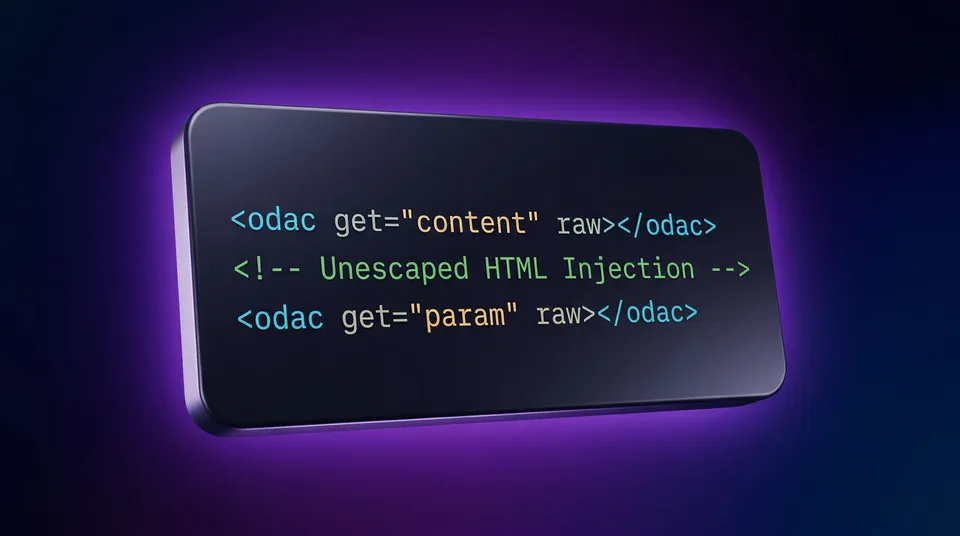
Today, we are introducing the raw attribute for our native view engine. This highly requested feature allows developers to selectively opt out of strict escaping on a per-tag basis, giving you total control over your DOM injection without sacrificing global security.
Show Me The Code
The syntax is frictionless. You simply append the raw attribute to any <odac get> tag inside your view files.
<!-- Standard rendering (escaped for security) -->
<div class="user-bio">
  <odac get="user.untrustedBio" />
</div>

<!-- New raw rendering (unescaped) -->
<div class="article-content">
  <odac get="article.trustedHtml" raw />
</div>
If a user's bio contains <b>Hello</b>, the first block will render standard escaped HTML. The second block will render actual, bolded DOM elements. The explicit syntax makes your intention clear to the framework and your fellow developers.
The Architecture of Trust
Why implement this as a tag attribute rather than a global configuration? The answer comes down to architectural scope. Globally disabling XSS protection is a reckless anti-pattern. By scoping the unescaped output strictly to the template tag via the raw attribute, we keep the developer's intent explicit and localized.
Security reviews become significantly easier with this approach. You can literally just scan your view files for the string raw to audit your trusted injection points.
Step-by-Step Scenario
Let us walk through a standard implementation using the built-in routing engine and view engine. We will fetch a blog post, prepare the HTML, and render it to the client.
First, set up the route and inject the trusted data:
Odac.Route.get('/blog/:slug', async () => {
  // 1. Prepare your trusted HTML content
  const articleHtml = '<h1>My Post</h1><p>Welcome to the update.</p>';

  // 2. Inject the data into the View context
  Odac.set({ articleHtml });

  // 3. Instruct the view engine to render the content
  Odac.View.set('content', 'blog.post');
});
Next, open your blog/post.html view file and utilize the new attribute:
<article class="prose lg:prose-xl">
  <!-- The raw attribute instructs ODAC.JS to skip XSS escaping -->
  <odac get="articleHtml" raw></odac>
</article>
The content will now render exactly as intended, fully parsed by the browser.
Rendering Raw Request Data
The raw attribute is also fully supported for URL parameters using the <odac get> syntax. This is particularly useful for echoing back trusted query parameters that contain formatting.
<!-- Output unescaped query parameter from the URL -->
<odac get="formattedMessage" raw />
Security Gotchas and Edge Cases
With great power comes absolute responsibility. The primary gotcha here is security. Using the raw attribute entirely bypasses the built-in XSS protection of ODAC.JS.
You must ensure that any data rendered with raw is exclusively authored by trusted administrators. If you are accepting HTML from end-users, you must heavily sanitize it (using an established library like DOMPurify) before it ever touches your database or your views. Never use the raw attribute directly on unsanitized user input.
This update solidifies the ODAC.JS philosophy: zero configuration, enterprise-grade defaults, and absolute developer control when you need it.