Bulletproof Deployments: Securing the Git Pipeline
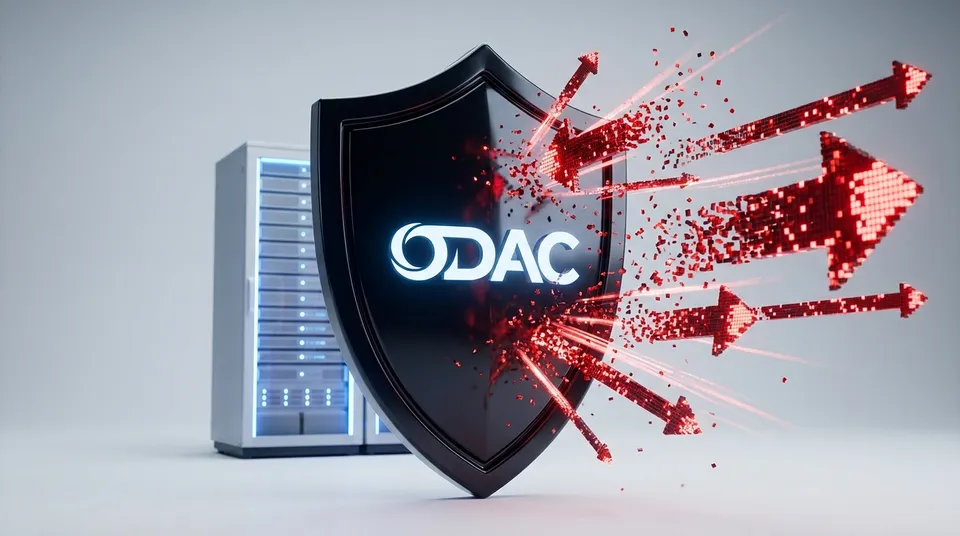
Your Git branch name shouldn't be a security vulnerability.
But in the world of automated DevOps, a simple branch name like ; rm -rf / ; or a repo URL starting with a hyphen can be a lethal weapon. Traditional deployment engines often fall into the trap of shell interpolation, where user-controlled strings are passed directly into command-line executions. It is a ticking time bomb that many platforms try to solve with simple regex filters.
We decided that "good enough" wasn't enough for ODAC. We have significantly fortified our deployment pipelines, moving beyond simple sanitization to a model of absolute isolation and data-driven execution.
The End of Command Injection
The core of the problem is mixing code with data. When a deployment script runs git clone $URL, it trusts that $URL is just a web address. If an attacker provides a URL that includes shell metacharacters, they can hijack the process.
ODAC now eliminates this entire class of vulnerability. Our deployment engine utilizes environment variable injection for every Git operation. Instead of building shell strings, we pass your repository URLs and branch names as isolated variables like $GIT_REMOTE_URL and $GIT_BRANCH.
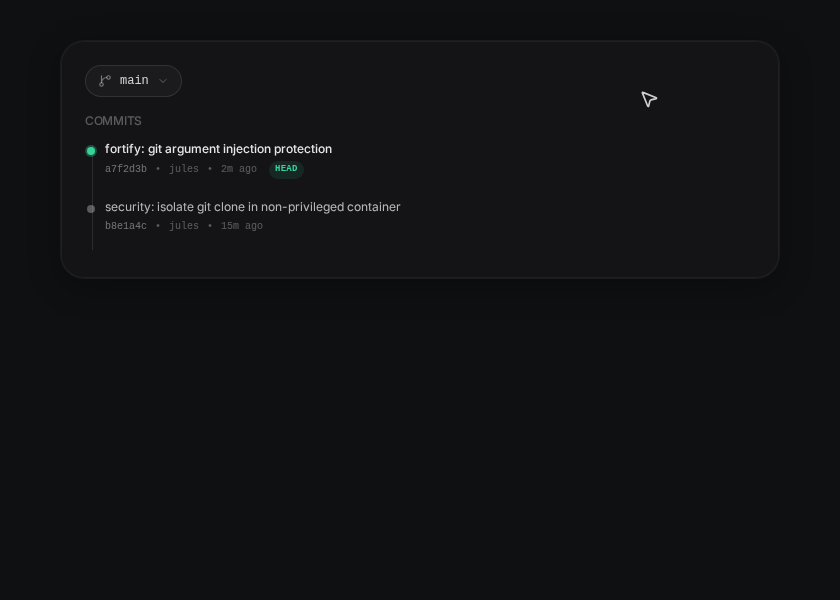
This ensures that the shell treats these inputs strictly as data. Even if a branch name contains semicolons, backticks, or pipes, they are rendered harmless. They are just strings, never executed.
Defense in Depth: Argument Injection
Sanitizing the shell is only half the battle. Git itself has powerful flags that can be abused. For example, a branch name that starts with a hyphen (like --upload-pack) can be interpreted by the Git binary as an argument rather than a reference, potentially leading to remote code execution.
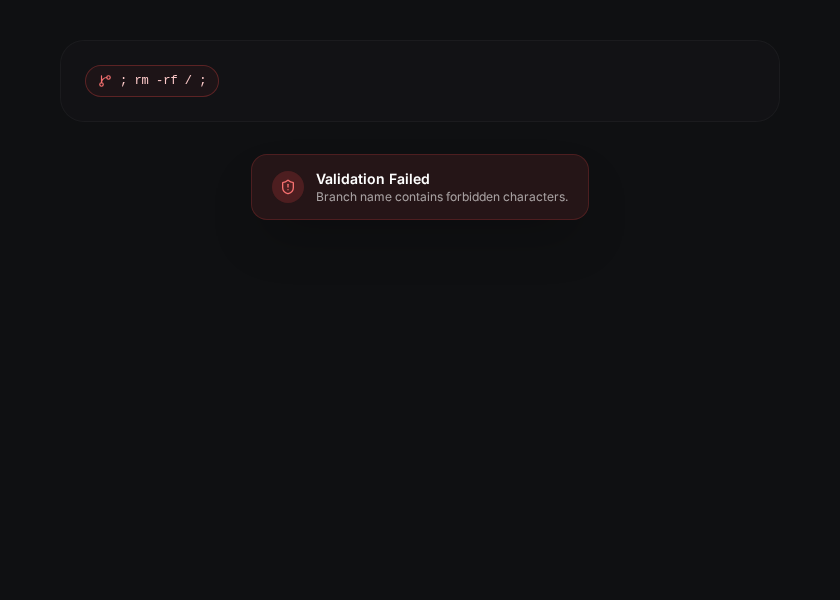
ODAC's new validation layer is relentless. We now block any branch name that attempts Git argument injection or contains shell metacharacters. If you try to switch to a malicious branch name in the Dashboard, ODAC catches it before the request even reaches the deployment agent.
Isolated, Non-Privileged Execution
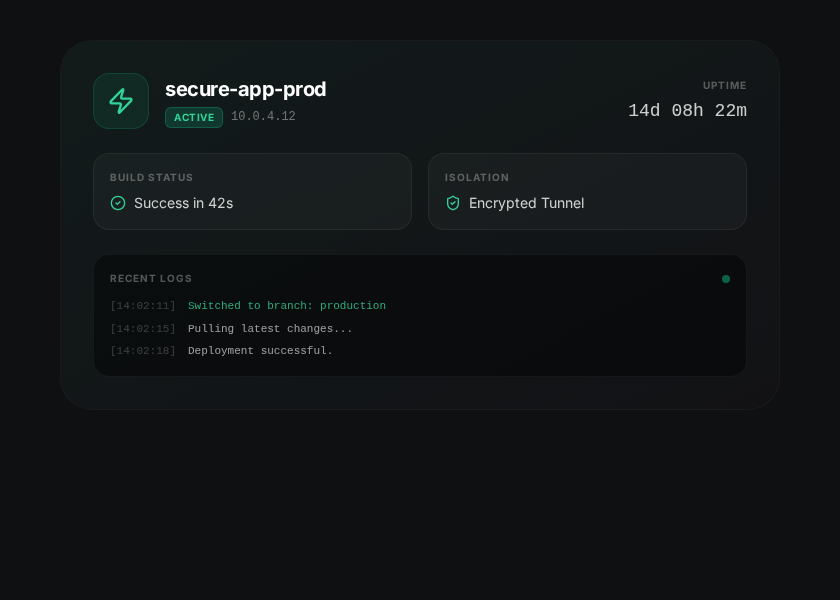
Security is about layers. Even with strict validation and environment injection, we don't take chances. Every time you trigger a redeploy or switch branches on the Live Canvas, the operation occurs within a strictly isolated, non-privileged container.
- Connect your GitHub repository to an app in the Live Canvas.
- Trigger a redeploy or select a new branch from the Source panel.
- Validation kicks in instantly, checking the safety of the branch name.
- Isolated Clone begins in a sandboxed environment with sanitized inputs.
This means that even in the impossible event of a breakthrough, the attacker is trapped inside a throwaway container with no access to your host server or other applications.
CLI Precision
For those who live in the terminal, these security benefits are baked directly into the odac CLI. When you create an application or update its source, the same rigorous validation applies.
# Safely creating an app from a repository
odac app create --name my-secure-app --repo github.com/owner/repo --branch main
Whether you are clicking through the Dashboard at app.odac.run or using the odac app create command, your infrastructure remains protected by our most advanced security architecture to date.
We didn't just patch a hole; we rebuilt the wall. Your deployments are now faster, cleaner, and most importantly, bulletproof.