Stop Stringifying Your ODAC.JS Errors
Building a robust API is as much about handling what goes wrong as it is about handling what goes right. For too long, Node.js developers have been forced to manually juggle status codes, JSON stringification, and content-type headers every time a request hits a dead end. In the Enterprise world, a generic "404 Not Found" string just doesn't cut it anymore. Your frontend needs machine-readable metadata, your mobile app needs custom error codes, and your developers need a DX that doesn't feel like a chore.
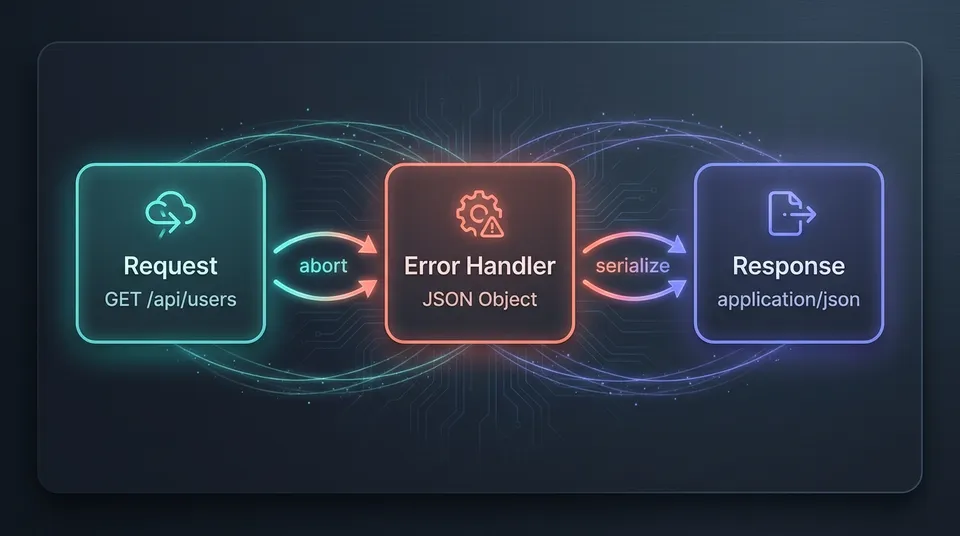
With the latest update to the ODAC.JS routing engine, we are fundamentally changing how the framework handles the request lifecycle when things go sideways. We have introduced native support for structured object-based error responses, allowing you to return full JavaScript objects directly from your error handlers.
The Problem with Plain Text
Before this update, error handling in most Node.js environments was a binary choice: either send a simple status code or manually craft a JSON response using boilerplate-heavy logic. If you wanted a consistent error schema across your entire application, you had to write custom wrappers or middleware that intercepted every possible failure point.
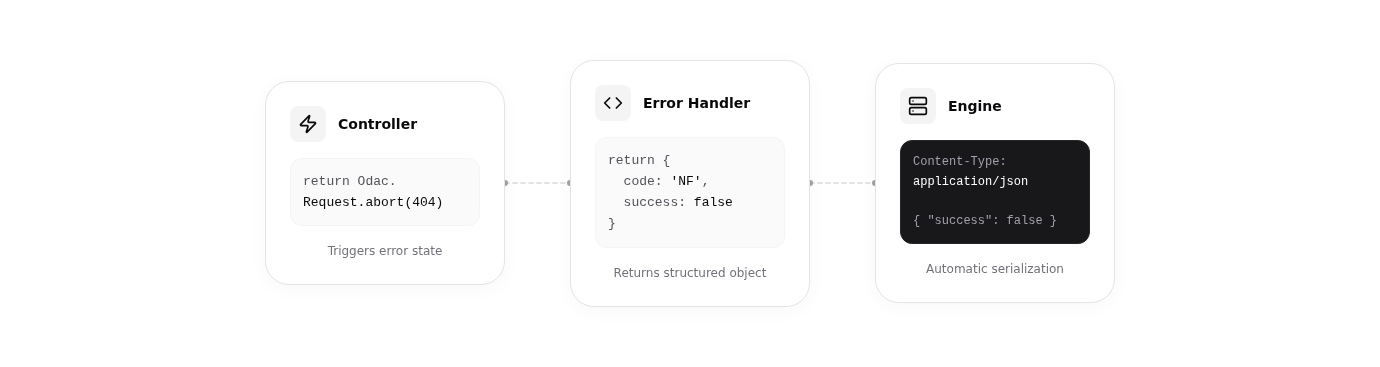
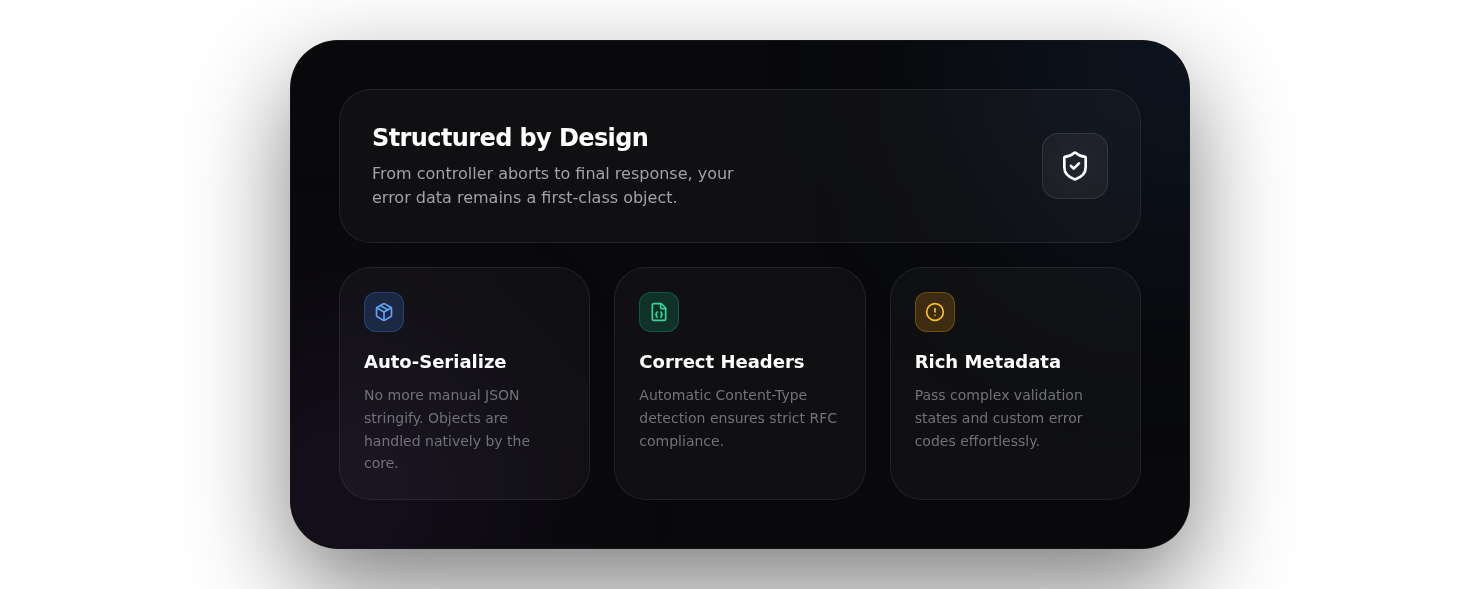
In ODAC.JS, we believe the framework should do the heavy lifting. By enabling structured responses, we are eliminating the "manual serialization tax." When you return an object from an error handler, ODAC.JS now automatically detects it, serializes it to JSON, and sets the correct application/json headers without you lifting a finger.
Show Me The Code
Implementing structured errors is now a first-class citizen in the ODAC.JS ecosystem. You can define global or route-specific handlers that return clean, expressive objects.
// route/api.js
Odac.Route.error(404, (Odac) => {
  return {
    success: false,
    code: 'RESOURCE_NOT_FOUND',
    message: 'The requested user or resource does not exist.',
    meta: {
      timestamp: new Date().toISOString(),
      docs: 'https://api.example.com/docs/errors#404'
    }
  };
});
Triggering these states from your controller is equally elegant. Use the Odac.Request.abort() method to halt execution and pass control to your custom handler.
// controller/User.js
module.exports = class User {
  async show(Odac) {
    const userId = await Odac.request('id');
    const user = await Odac.DB.users.where('id', userId).first();

    if (!user) {
      // This immediately triggers the 404 handler with the structured object
      return Odac.Request.abort(404);
    }

    return user;
  }
}
Why This Matters for Your DX
The shift from strings to objects isn't just about syntax: it's about architectural integrity. When your framework understands that an error is a data structure rather than just a message, it opens up new possibilities for logging, debugging, and client-side integration.
- Consistency by Default: Every error follows your defined schema, making it easier for frontend teams to build generic error-handling logic.
- Automatic Content-Negotiation: ODAC.JS handles the
Content-Typeheaders automatically, ensuring your API remains RFC-compliant. - Validation Metadata: You can now easily pass validation errors or field-specific hints back to the client as part of an
abort()call.
Under the Hood: Precision Engineering
We took a "no-compromise" approach to this implementation. The automatic serialization logic in the ODAC.JS core is designed to be performant and safe. For instance, the engine specifically identifies Buffer objects and avoids serializing them to prevent data corruption. If your handler returns undefined, ODAC.JS gracefully falls back to the standard HTML rendering pass, assuming you are manually managing the view state.
This level of precision ensures that ODAC.JS remains the fastest, most reliable choice for building Enterprise-grade Node.js applications. We are excited to see how you use structured error responses to build more resilient and developer-friendly APIs.